


How to Amend a CT return
Article ID
kas-0007
Article Name
How to Amend a CT return
Created Date
2nd January 2021
Problem
Amending CT Return
Resolution
Open client – Check the period YE check the calculation, On Page1

Select appropriately for the marked boxes,
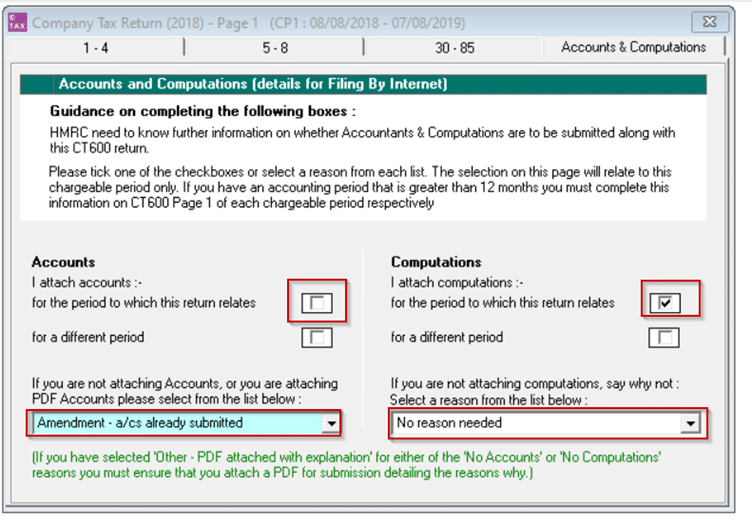

If the return is ready for submission click “Submit” on the top icon
Select Options at the bottom
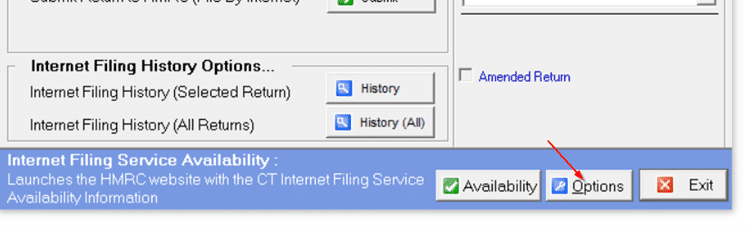
Then select the second tab “Internet Filing Options”

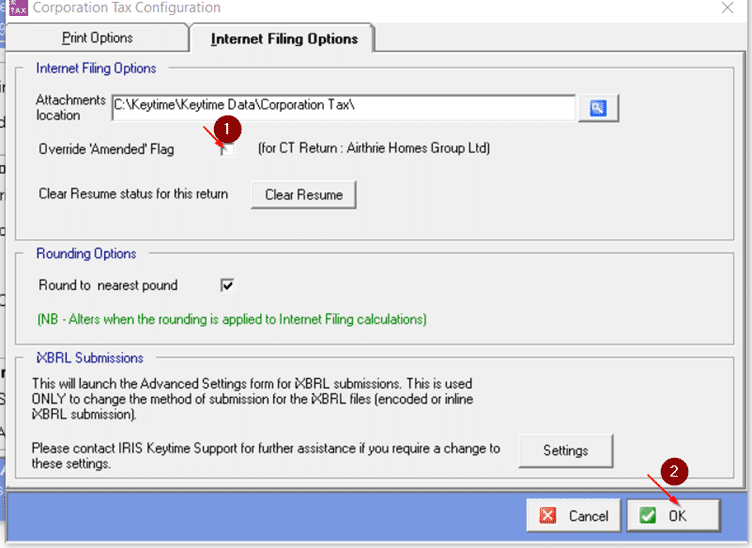
Tick the “Override Amended Flag” then click OK. This will allow to tick “Amended Return” on the Submit Screen
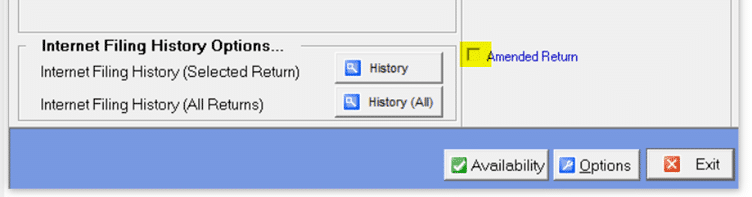
Then proceed with submit
We are sorry you did not find this KB article helpful. Please use the box below to let us know how we can improve it.