


IAS-1675 How do I update the IRIS Licence Details?
Article ID
ias-1675
Article Name
IAS-1675 How do I update the IRIS Licence Details?
Created Date
27th August 2004
Problem
How do I update my IRIS Accountancy Suite licence details?
Resolution
To update your IRIS Accountancy Suite Licences:
Open the IRIS Main Menu.
From the menu pane on the left, select System Maintenance.
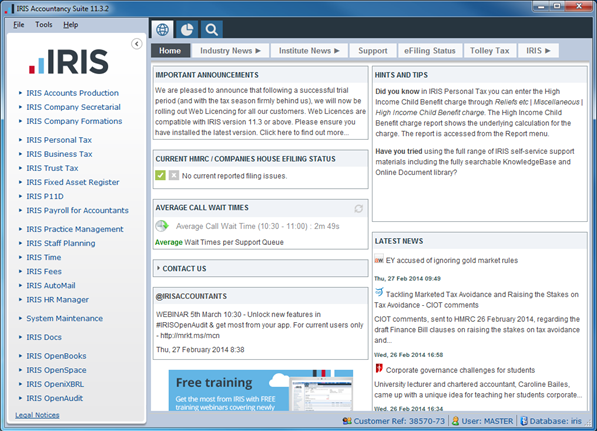
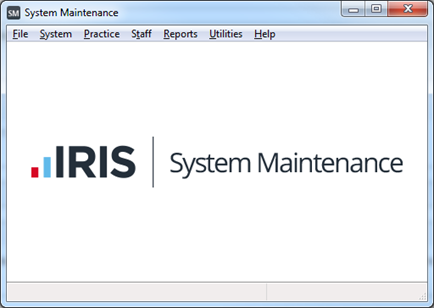
The following screen displays:
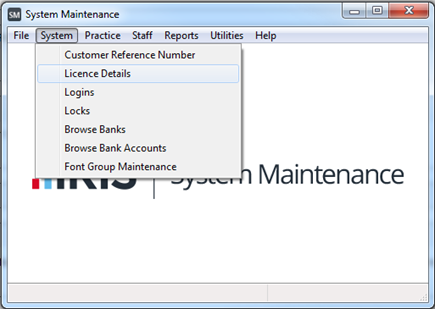
From the menu bar, select System and then Licence Details.
Select the Update Licences tab.
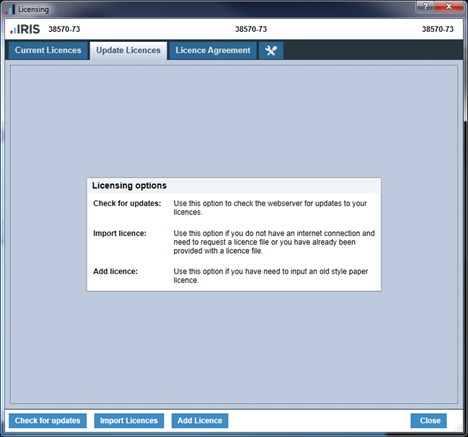
Click Check for updates.
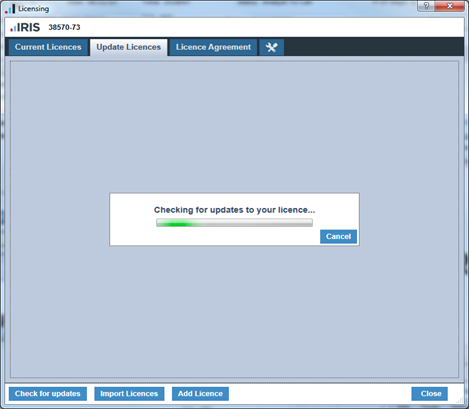
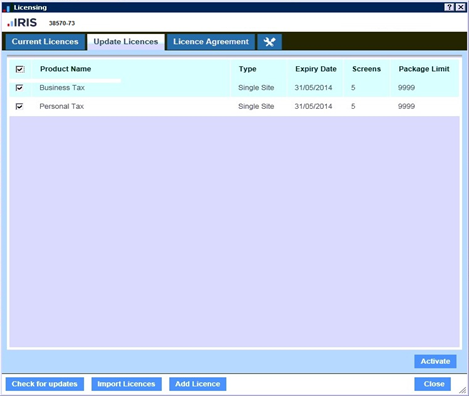
Select the products to licence and click Activate.
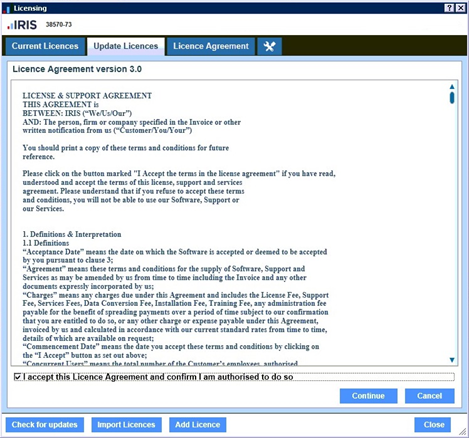
If prompted, accept the Licence Agreement and click Continue.
Your licence details will now show in the Current Licences tab.
For instructions on activating manual licence details please refer to our Help Centre instructions here
We are sorry you did not find this KB article helpful. Please use the box below to let us know how we can improve it.